
Resources
How to Register an Account
Parking permits of all types can be purchased through an account on our Permit Portal. The permit types that you are eligible to purchase will vary based on your status at the University of Toronto.
Below you will find account setup guides specific to your status. For more details on permit rates and availability, please visit our permits page.

Faculty/Staff
& Students

Departments

General Public

Contractors
& Commercial

Summer Resident
Faculty/Staff and Student Accounts
Faculty, staff, and student account access is controlled by your UTORid designation. The permits you have access to depend on your employee/student status.
UTORid designation is not set by or controlled by Transportation Services. Please inquire with the Information Commons Help Desk for any UTORid concerns.
Registration Process

STEP 2
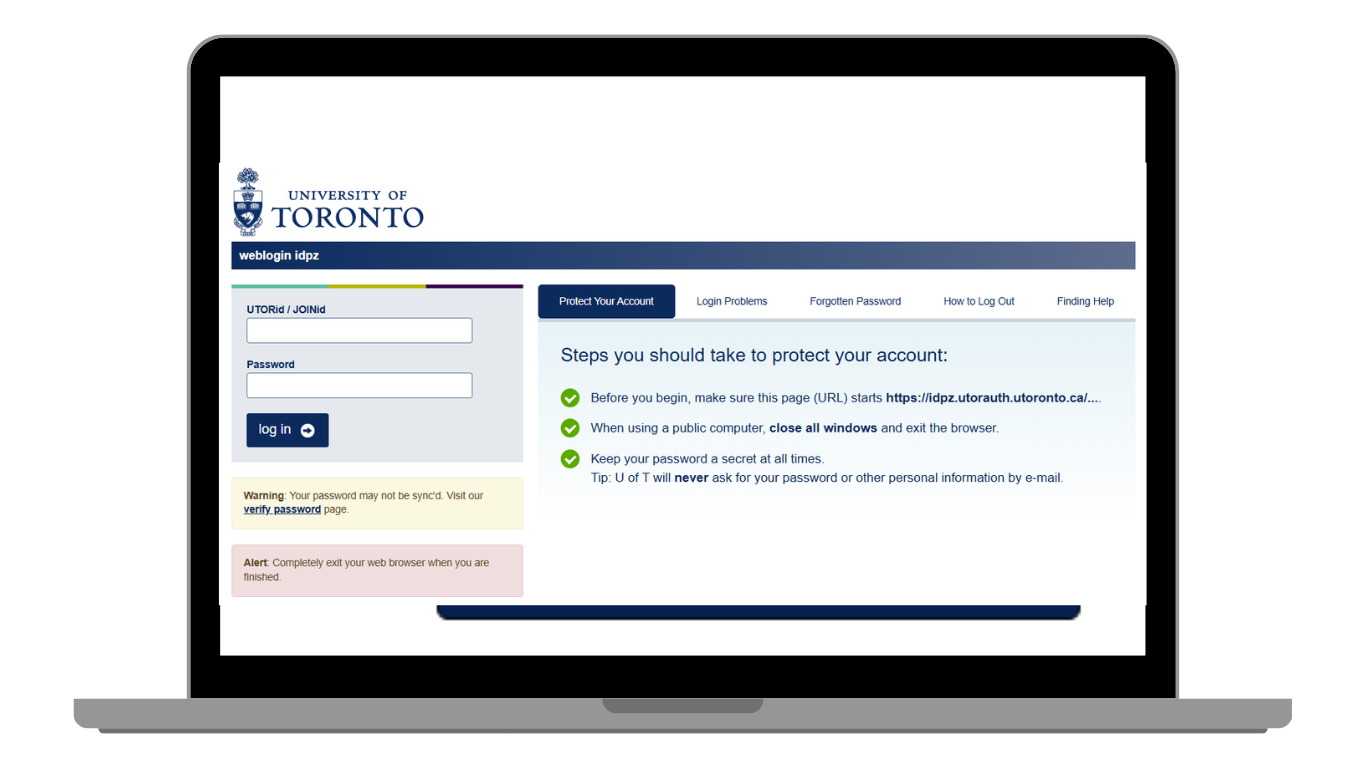
After selecting login you will be forwarded to the university’s secure UTORid login page.
STEP 3
Once your UTORid is verified, you will be prompted to complete a contact form. For guidance on what contact details to enter, please refer to our Account Contact Form page.
STEP 4
After the contact form is submitted, you can browse permits to purchase by selecting Order Permit.

Questions?
For more information on permits, please visit our dedicated Faculty & Staff and Student permit pages. Additional resources for account holders can be found on our Resources page.
Departmental Accounts
Department accounts are provided on a select basis to groups who require department parking permits or who regularly purchase parking passes for department guests. All parking purchased through these accounts are billed via journal entry/debit memo.
Please take note of the important policies regarding department account use and responsibility before requesting an account:
- The designated admin will be the first point of contact for any parking matters, such as enforcement, billing, renewal, and construction notices.
- Requester must have the authority to use their department’s billing accounts.
- Requester cannot purchase permits for themselves, except if specific authorization by their one-up is provided to Transportation Services in writing.
- Any purchased passes are automatically billed to the provided billing accounts. Any cancellations will be subject to an administrative fee. A permit cannot be cancelled during or after an active date.
After requesting an account, a representative from Transportation Services will contact your primary administrator to provide login credentials.
If you are uncertain if a department account is right for you, please feel free to contact the Transportation Services office for guidance: transportation@utoronto.ca or call 416-978-7275
Logging into your account
After your department account has been set up, you can access the account by selecting the following login method on the Permit Portal:

Questions?
Additional resources for account holders can be found on our Resources page. For more information on permits, please visit our dedicated Departmental page.
General Public (External Accounts)
Transportation Services offers weekly, monthly, and annual public parking permits at select locations. Individuals external to the University of Toronto are welcome to register an account using their personal email to purchase any of these permits.
Please note, public day passes can be purchased without need for account registration.
Registration process
STEP 1
To register an account, please proceed to the external login option. Once registered, you will be prompted to complete a contact form. Please visit the Contact Form resource page for guidance.

STEP 2
After completing the contact form, you will be prompted to select an account category. Please choose one of the following options that matches your parking need:
| Category | Permits |
|---|---|
| OISE External | 71 Prince Arthur Ave Garage Weekly, Monthly, Annual |
| 730 Yonge | 730 Yonge St Garage Monthly, Annual |
| After 4pm | After 4pm Monthly |
| Chestnut External | 89 Chestnut Street Weekly, Monthly, Annual *Chestnut special rates available |
After the contact form is submitted and a category selected, you can browse permits available for purchase by selecting Order Permit.
Commercial Accounts
Transportation Services offers a range of permits for contractors and commercial service people on campus. These permits are intended to provide parking to accommodate construction and/or commercial activity at U of T. Commercial permits are only to be used for necessary work vehicles.
Eligible contractor and commercial groups can register a parking account by following the below instructions:
Registration Process
STEP 1
To register a commercial account, please proceed to the Commercial login option using your company email:
Once registered, you will be prompted to complete a contact form. Please visit our Contact Form resource page for guidance.
STEP 2
After completing the contact form, you will be prompted to select an account category. Please select the Commercial option.
When the contact form is submitted and the Commercial category is selected, you can browse permits by selecting Order Permit.
Questions?
For more information on permits, please visit our Commercial permit page. Additional resources for account holders can be found on our Resources page.
Summer Resident / Conference Accounts
Transportation Services offers weekly and monthly permits for visitors staying in on-campus residences who require parking.
To apply for a summer resident/conference permit please contact our office at transportation@utoronto.ca with your desired lot and documentation regarding your stay on campus. We require proof of payment for the residence stay for all applications.
Valid documentation includes:
- Official Reservation Confirmation
- Receipt for Residence Stay
- Student ID / Proof of Enrolment.
Supporting documents from other post secondary institutions may be accepted for student rates.
After providing required documentation, you will be provided with login credentials that can be used to access your account.
Logging into your account
STEP 2
Upon login for the first time, you will be prompted to complete a contact form. Please visit the Contact Form resource page for guidance.
After login, you will be prompted to complete payment for the permit set up in your account. Select Pay Now and confirm payment with your representative.
Please be sure to correctly register vehicle details to the permit after payment is complete. Refer to the license plate change page for detailed instructions.
Questions?
For more information on permits, please visit our Conference permit page. Additional resources for account holders can be found on our Resources page.
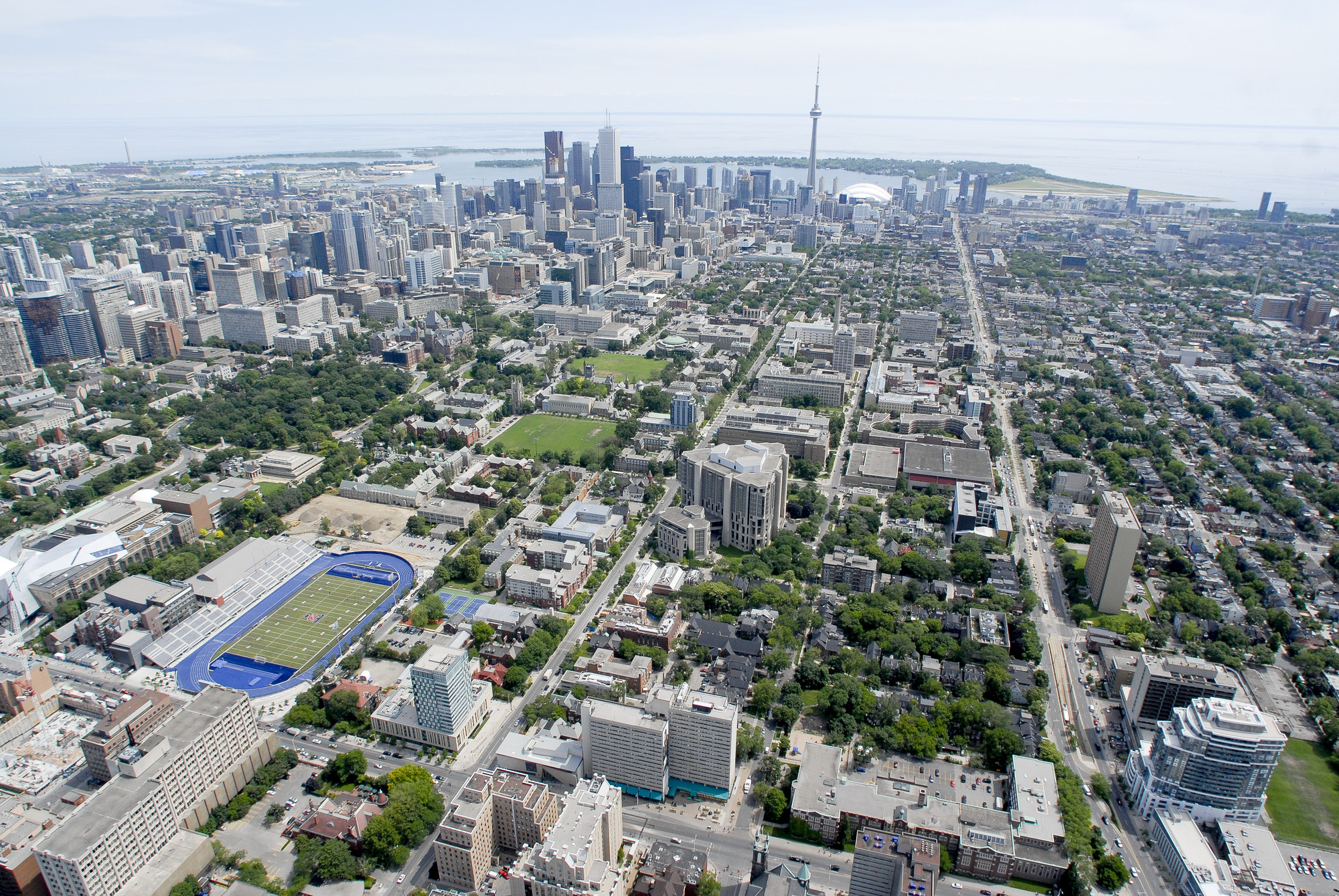
interactive parking map